
Get the mobile apps
Where to download the NestliCare app, who uses it, and how logging in decides what you see.
Teachers and parents live in the NestliCare mobile app. Owners can use it too, on the go, though the full dashboard is on the web.
Download it
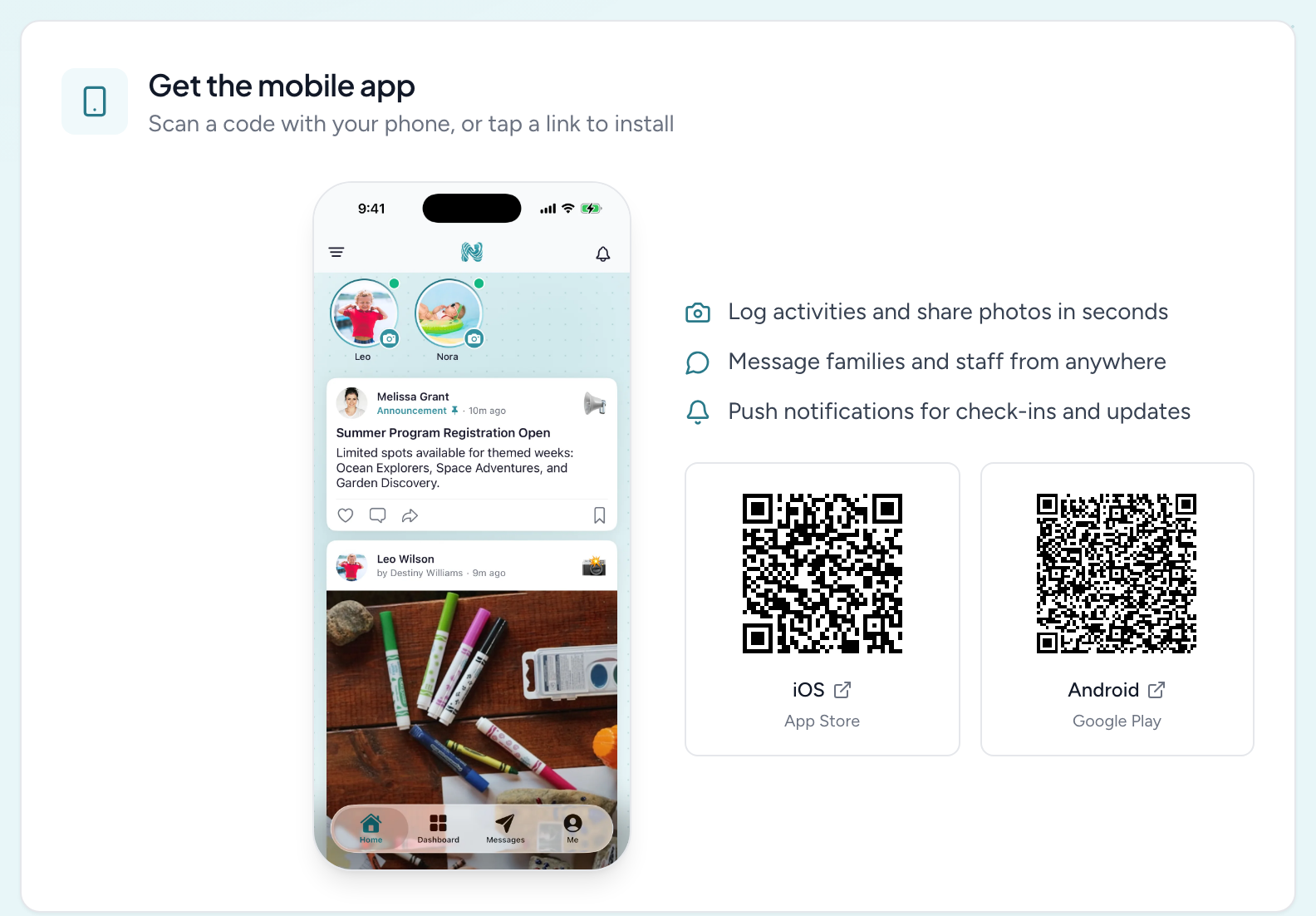
Search NestliCare in the App Store (iPhone and iPad) or Google Play (Android), or scan the QR codes on your web dashboard. On the web, open your profile (click your name at the bottom of the sidebar) and you'll find a Get the NestliCare mobile app card with a code for each platform.
One app, three experiences
There's a single NestliCare app. What you see after logging in depends on your role, not on which app you downloaded:
- Teachers get the classroom tools: check-in, activities and photos, messaging, and timesheets.
- Parents get their child's day: the activity feed, messages, invoices, and pickup.
- Owners and admins get their own Admin tab, in gold, alongside the everyday ones.
The Admin tab
Owners and center admins get a dedicated Admin tab on both iOS and Android. It is not a cut-down view any more. From it you can run:
- Families, Children and Rooms, including moving a child between rooms
- Invoices and Finances, including creating an invoice, charging several families at once, taking part payments, and issuing refunds
- Reports, the handful admins reach for away from a desk
- Admissions, from first enquiry through to a converted family
- Staff, leave, the schedule, and timesheets
- The calendar
Multi-center organizations pick which center they are looking at, and the Invoices and Finances screens carry a banner showing the scope you are in.
What stays on the web: setting up payouts and bank details, per-center payment accounts, feature settings, and the deeper billing configuration. The phone is for running the day; the web is for setting things up.
Logging in
Teachers and parents can't sign up in the app. Their daycare invites them. The invitation email has a link that opens the app and signs them in. After that they log in with their email and password.
Adding someone doesn't send the invite on its own. If a teacher or parent never got one, send it from the web dashboard: staff from Staff & Time → Staff (Send invite or Resend invite on their card), parents from their row on the family card under Families & Children → Families.
Starting a brand-new daycare? Owners can tap Set up your daycare on the app's login screen. Parents should not use that button.